 Claude
 Via ChatGPT
Turn a conversation into action. Find a lead, add a label and hand their WhatsApp chat to your team.
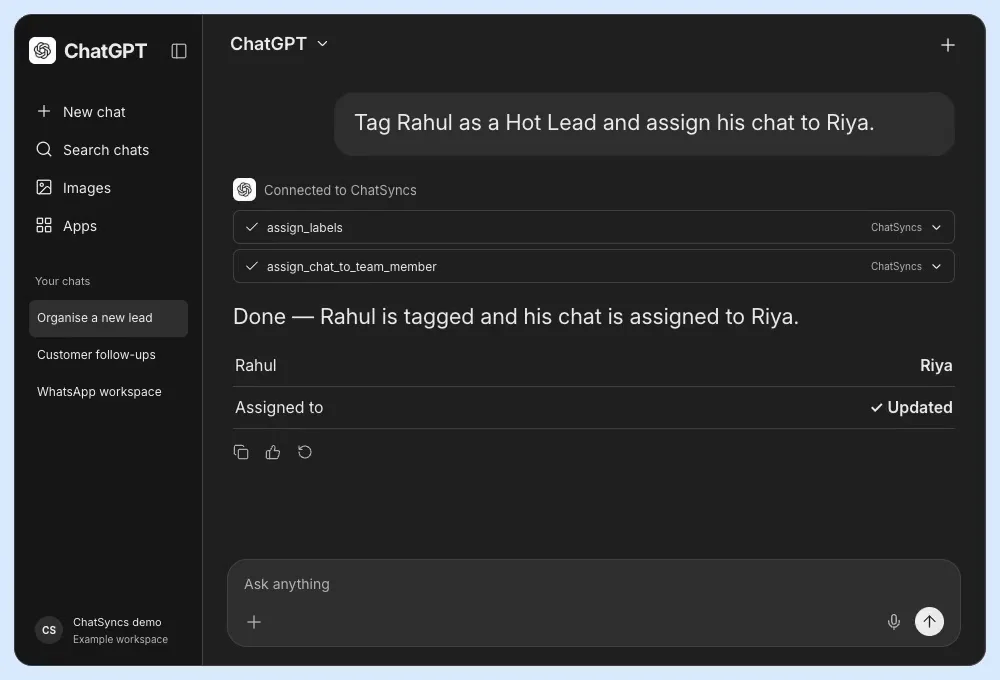
Created demo · Example data
“Tag Rahul as a Hot Lead and assign his chat to Riya.”
MCP · Now live
Connect your AI assistant or agent to ChatSyncs. Send WhatsApp templates, follow up with leads and update orders or deals — from a chat, your terminal or an automated workflow.
Built for any compatible MCP client.
Works with your favourite AI tools
 Claude
 ChatGPT
 Claude Code
 OpenClaw
 Hermes
 Grok Bot
 Cursor
 Codex
Codex Gemini CLI
 VS Code
Watch the 30-second demo
From a single prompt to a connected agent workflow. Bring ChatSyncs into the tools you already use.
Via ChatGPTTurn a conversation into action. Find a lead, add a label and hand their WhatsApp chat to your team.
Created demo · Example data
“Tag Rahul as a Hot Lead and assign his chat to Riya.”
 Via Claude
Send approved WhatsApp templates from a Claude conversation, then check delivery without opening another app.
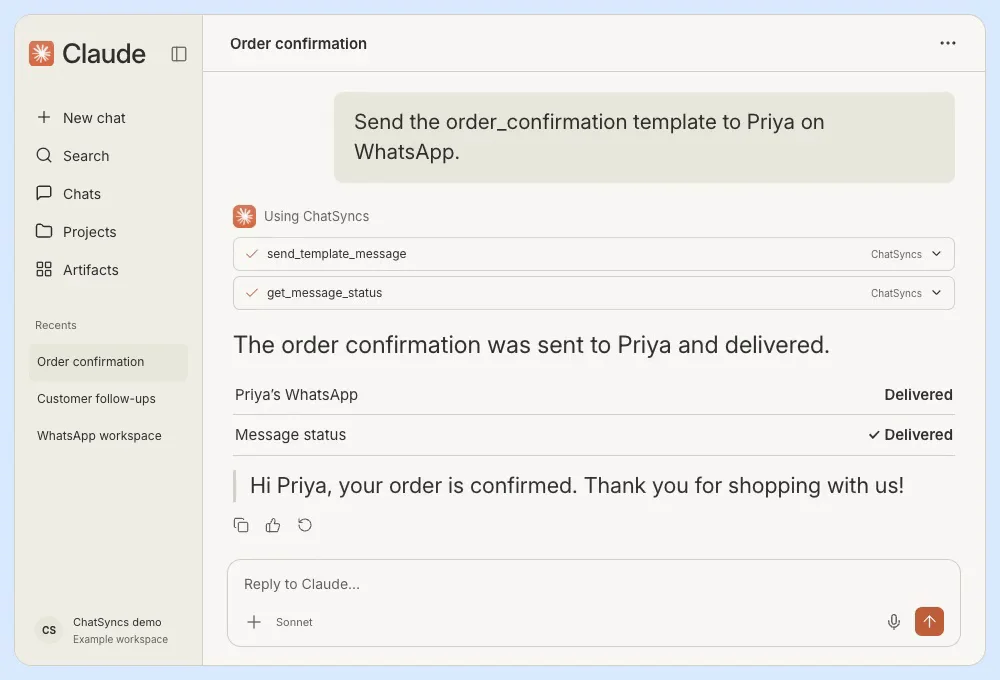
Created demo · Example data
“Send the order_confirmation template to Priya on WhatsApp.”
Via Claude CodeBring WhatsApp operations into your terminal. Look up orders and update their status in the same session.
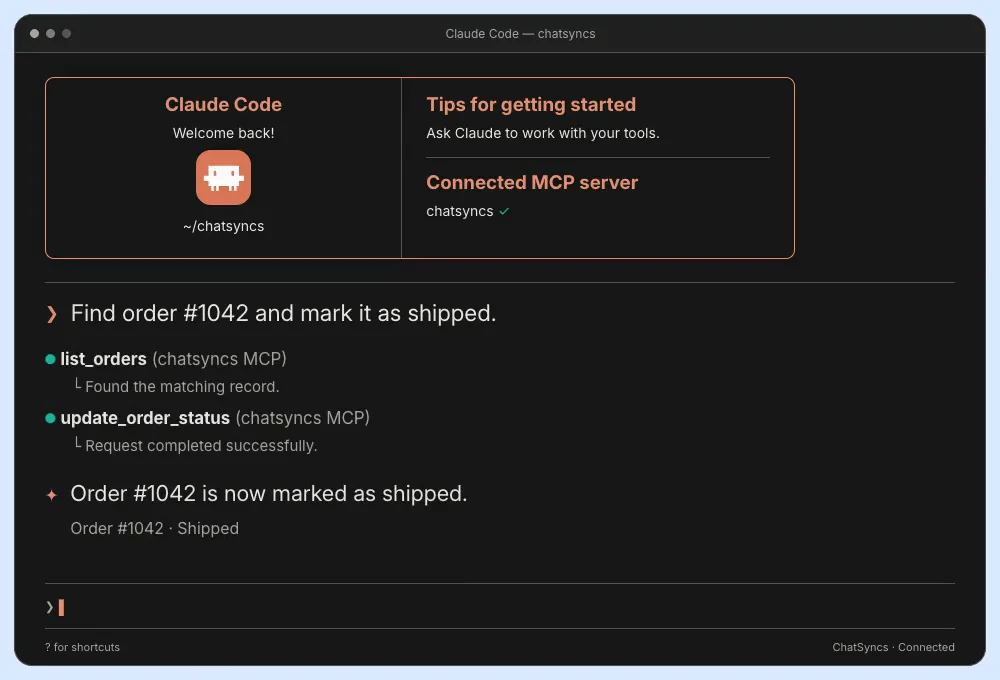
Created demo · Example data
“Find order #1042 and mark it as shipped.”
Via Grok BotGive your connected bot customer context. Keep your CRM current as the conversation moves forward.
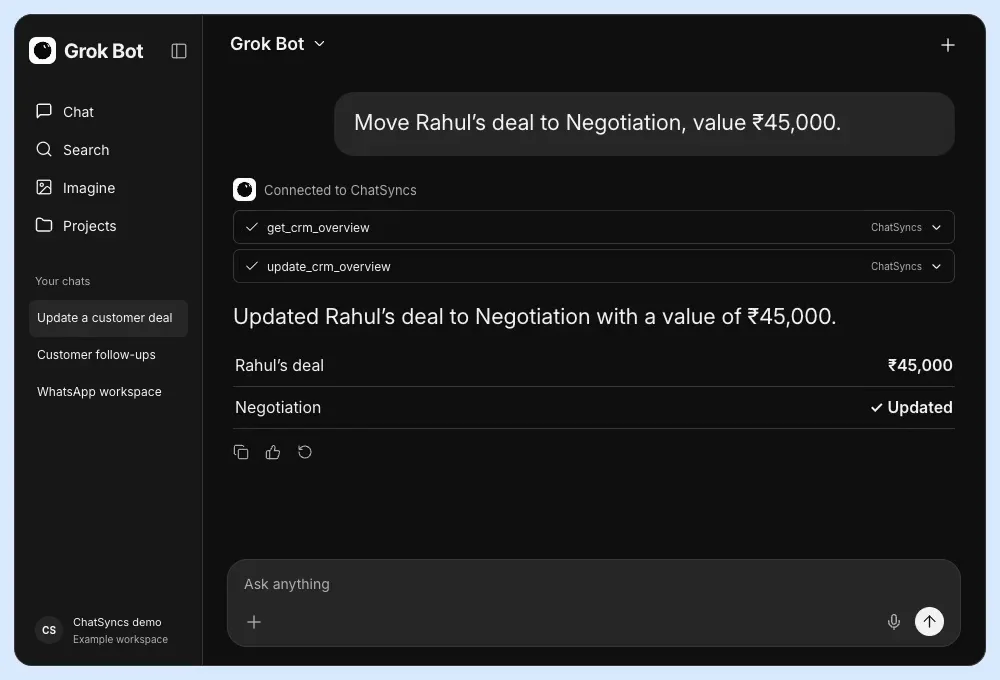
Created demo · Example data
“Move Rahul’s deal to Negotiation, value ₹45,000.”
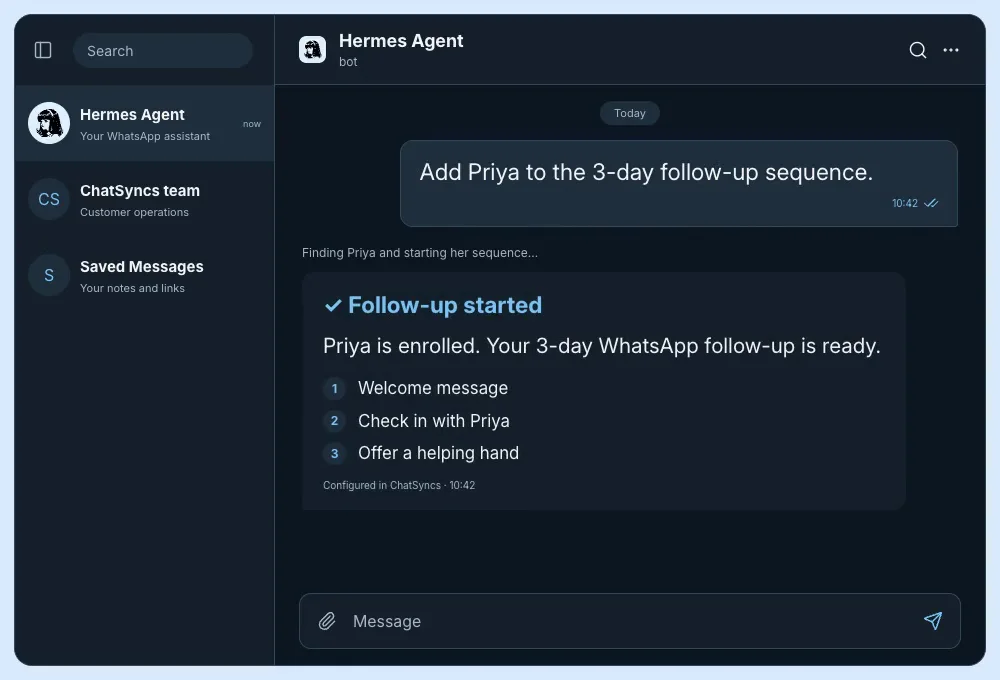
Via HermesMessage your Hermes agent from Telegram. Find a contact and start the WhatsApp follow-up you have configured.
Created demo · Example data
“Add Priya to the 3-day follow-up sequence.”
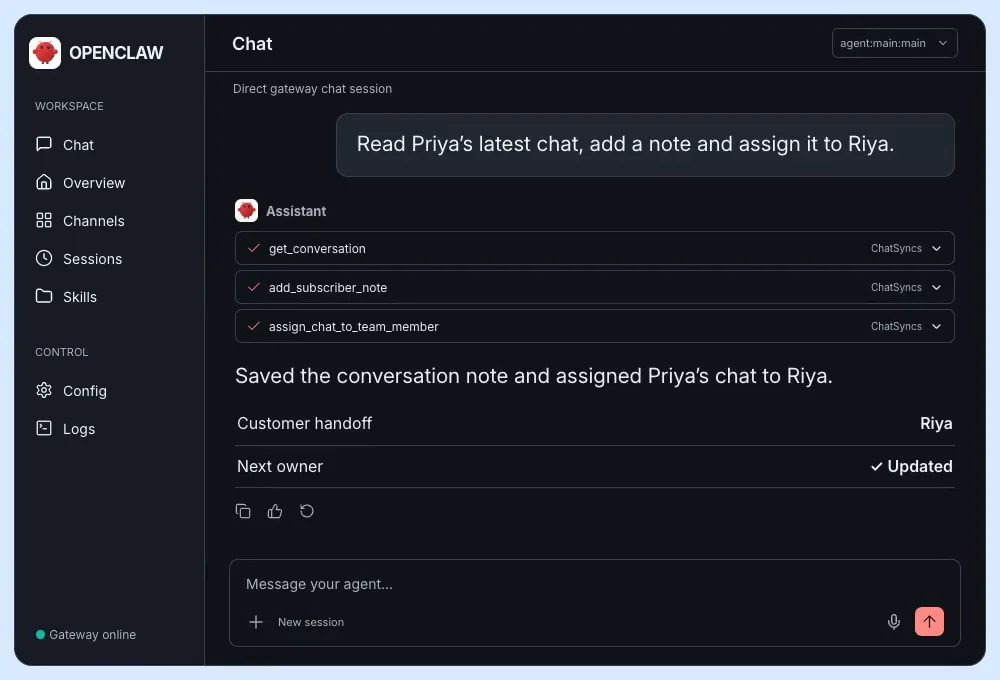
Via OpenClawKeep WhatsApp in your agent’s workspace. Read the latest conversation and leave a useful handoff for your team.
Created demo · Example data
“Read Priya’s latest chat, add a note and assign it to Riya.”
 Via Cursor
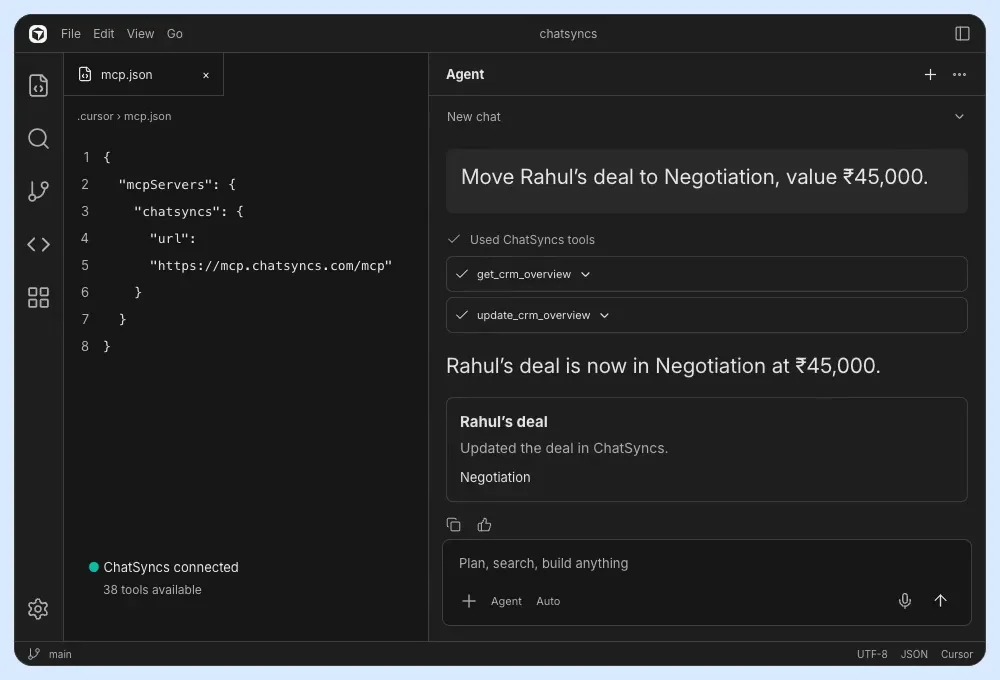
Use the agent beside your code to update customer records. Your development workspace becomes an operations workspace.
Created demo · Example data
“Move Rahul’s deal to Negotiation, value ₹45,000.”
 Via Gemini CLI
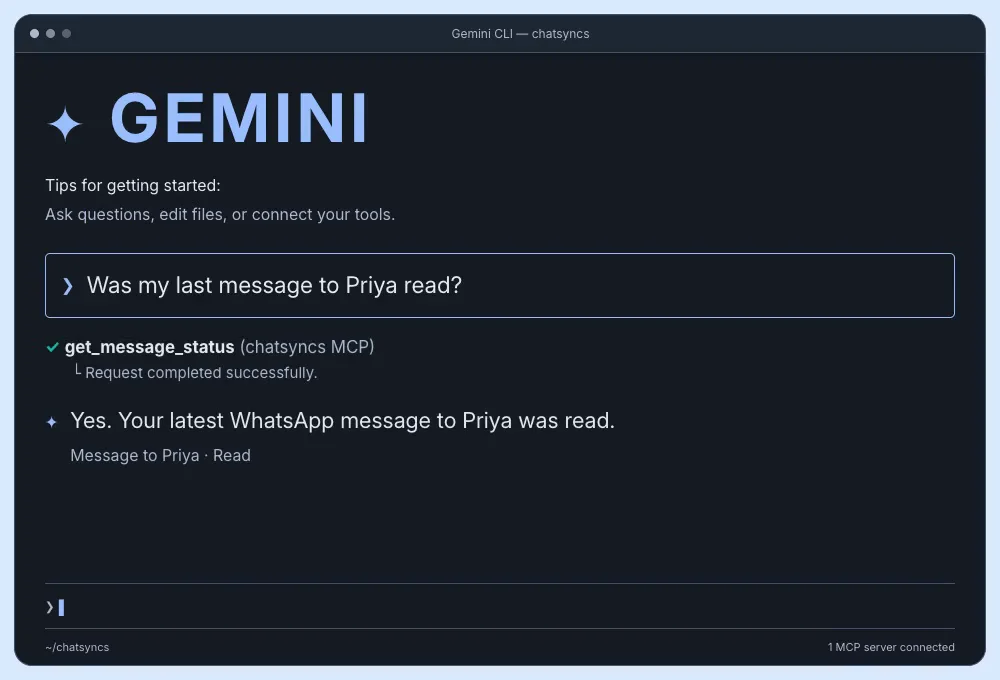
Ask for a delivery check from your command line. Get the message status straight from ChatSyncs.
Created demo · Example data
“Was my last message to Priya read?”
 Via VS Code
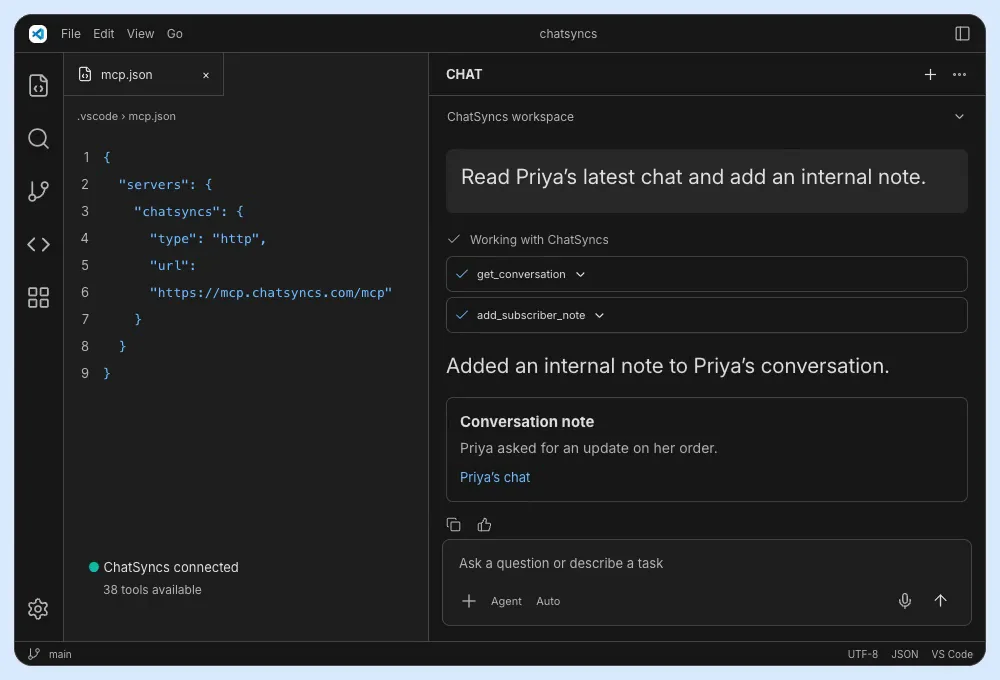
Connect ChatSyncs to an MCP-enabled agent in VS Code. Read customer context and make the next handoff.
Created demo · Example data
“Read Priya’s latest chat and add an internal note.”
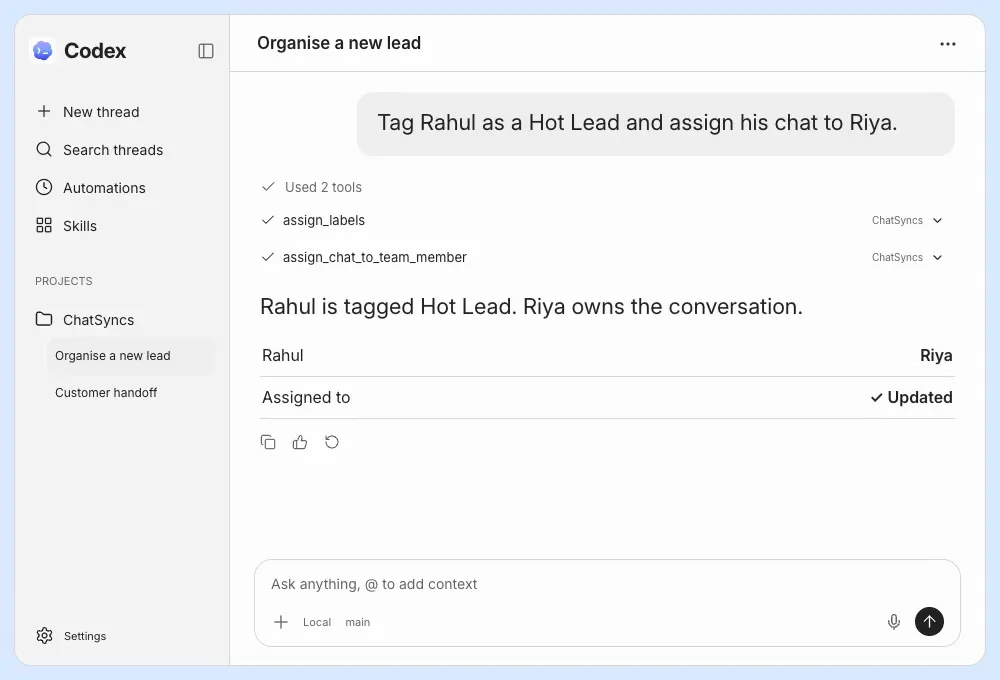
Via CodexHandle a customer task from Codex. Find the contact, organise the lead and pass the conversation to your team.
Created demo · Example data
“Tag Rahul as a Hot Lead and assign his chat to Riya.”
Less clicking. More doing.
The little tasks add up. Hand them to your connected AI in the same words you would use with your team.
More example promptsTry these requests in your connected AI app.
Sales
“Add Priya to the 3-day follow-up sequence.”
What happens: Your configured follow-up takes it from here.
Support
“Read Priya’s latest chat, add a note and assign it to Riya.”
What happens: The next person has the context to help.
Operations
“Find order #1042 and mark it as shipped.”
What happens: Your order records stay up to date.
Your business. Your control.
Let your AI do the work. Keep control of the connection.
Verified with ChatSyncs. Never stored on the MCP server.
Regenerate your API key to disconnect apps using the old key.
Free-form messages inside 24 hours. Approved templates outside it.
Connected on your terms.
How access worksQuestions about MCP, compatible apps or connecting your account? We’re here to help.
New to MCP? Start here
Need help connecting?
Your WhatsApp Business. The AI assistant you already use. One connection.